
How to Play
- Press START and choose an unlocked level.
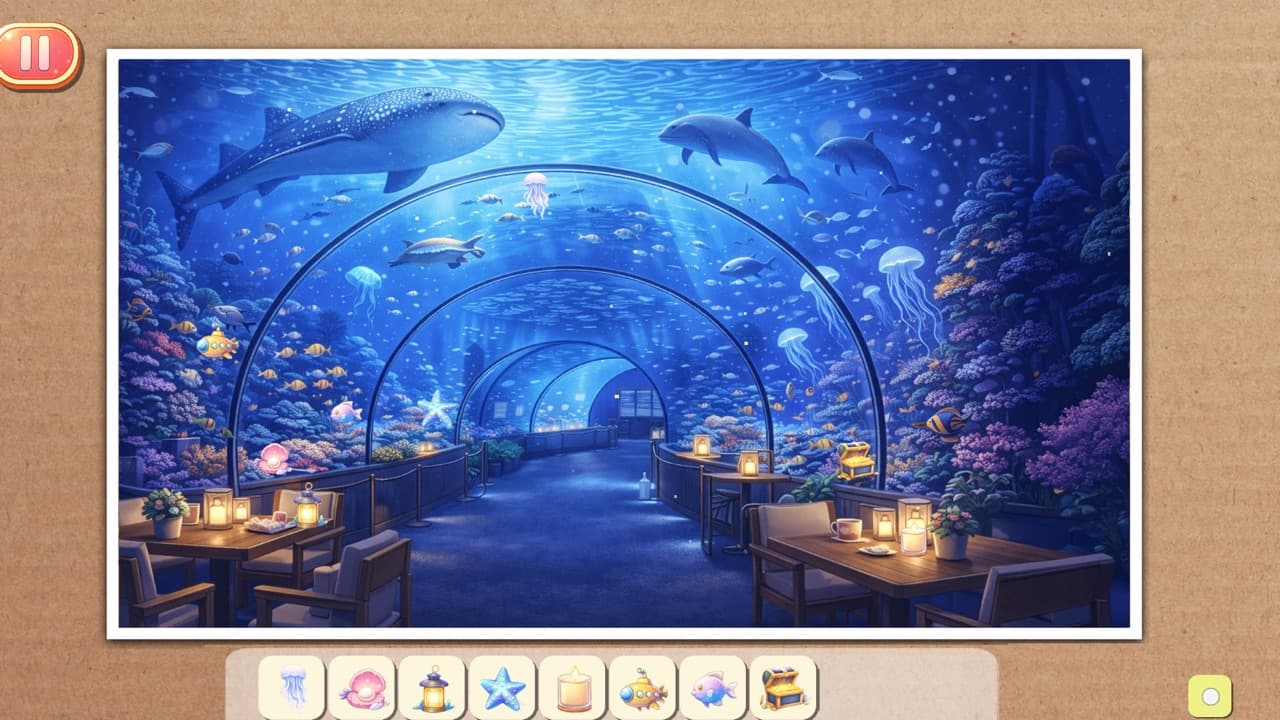
- Check the list at the bottom of the screen for the 10 objects you need to find.
- Tap an object when you spot it. It disappears from the list.
- Pinch or use the mouse wheel to zoom, and drag to move around the scene.
- Find all 10 to see your time, then press NEXT to go on to the next level.
Tips
- Zoom in and search one part of the scene at a time so you don't miss small objects.
- Look for an object's outline as well as its color.
- Stuck? Zoom back out for a fresh look at the whole scene.
Leaderboard
Your score is the highest of the 12 levels you have cleared.
Saving Your Progress
You can start playing right away without an account, and your progress stays in this browser. Sign in to keep your progress on your account and continue on another device. Only signed-in players appear on the leaderboard.