Find Ten Differences: A Time Budget for Three Stars
Published by the Havfun team
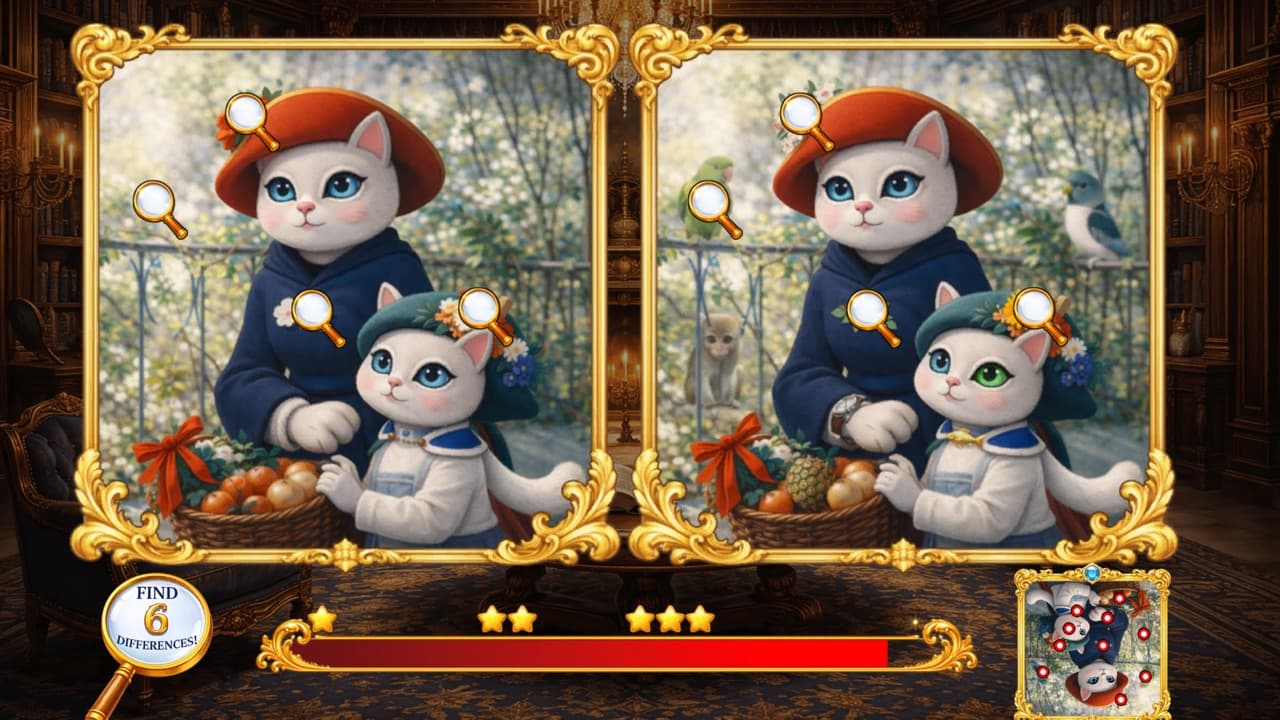
Every stage of Find Ten Differences has the same rules: two paintings, ten differences, 100 seconds and a 10-second fine for a wrong tap. Nothing gets stricter from stage 1 to stage 25. Only the paintings change.
That means one plan works for all 25 stages. It starts with knowing how much time you really have.
The Budget
Stars depend on the seconds left when you find the tenth difference. With 54 or more you earn three stars, with 28 or more you earn two, and any finish earns one. Since a wrong tap takes 10 seconds off the clock, each one comes straight out of your budget.
| Wrong taps | Time for three stars | Time for two stars |
|---|---|---|
| 0 | 46 seconds | 72 seconds |
| 1 | 36 seconds | 62 seconds |
| 2 | 26 seconds | 52 seconds |
| 3 | 16 seconds | 42 seconds |
| 4 | 6 seconds | 32 seconds |
A clean run for three stars allows 4.6 seconds per difference. One wrong tap cuts that to 3.6. After three, three stars are all but gone. A wrong tap is worth more than two differences' worth of time, so a guess is never a good trade.
One more thing follows from the fine. A wrong tap with 10 seconds or less on the clock ends the stage as a loss.
What Counts as a Wrong Tap
You can tap either painting. A correct tap marks the spot on both. The penalty area, though, is not two separate pictures. It is one box that covers both paintings and everything between them.
- A tap on the strip between the two paintings costs 10 seconds.
- A tap on the inner edge of a frame costs 10 seconds.
- A tap on a difference you have already found costs 10 seconds. Once a spot is marked it no longer counts as a target.
- A tap on the timer bar, the buttons, the hint picture or the margin around the paintings costs nothing.
The third of these catches people out. When two differences sit close together, aim clear of the one you have already marked.
Tap the Middle
Each difference has a round target of the same size, whatever the size of the thing that changed. It is small: its width is roughly a twelfth of the width of one painting. A changed object may be drawn much larger than that, and a tap on its edge can miss.
Always tap the center of whatever is different. For a long shape such as a tower or a ribbon, that means its middle, not its tip.
The Hint Picture
For the first 10 seconds of an attempt, a small picture in the lower-right corner shows one painting with all ten spots marked in red. You can tap while it is showing. After 10 seconds it is replaced by the sound and back buttons.
There is a catch that is easy to miss when you are in a hurry: the hint is shown upside down. It is turned half a circle, so a dot near its top-left corner marks a difference near the bottom right of the painting, and a dot near the bottom of the hint is something in the sky.
Used well, those 10 seconds are the most valuable in the stage. Don't try to tap from the hint directly. Count how the dots are spread instead: how many along the top edge, how many in the middle, how many in a corner. Then turn that picture round in your head and search those parts of the painting first.
Restarting Costs Nothing
The differences in a stage are always the same ten, in the same places. There are no lives, a failed attempt doesn't take away stars you already have, and leaving a stage halfway saves nothing and costs nothing. Every new attempt starts with a full 100 seconds and a fresh 10 seconds of the hint.
This turns three stars into a matter of learning the painting.
- Play the stage once without worrying about the clock. Find all ten and note where they were.
- Start it again. Use the hint to confirm the ones you weren't sure of.
- Tap them in a fixed order, such as left to right across the top and back along the bottom, so your hand doesn't cross the picture more than it has to.
On a computer, Esc takes you back to stage select at any moment. There is no pause, and the clock starts as soon as the stage appears.
Stars and the Leaderboard
Your score on the leaderboard is the sum of your best stars over all 25 stages, 75 at most. Stars on a stage only go up, so going back to an old stage for a faster run can only help.
The paintings are shown at a fixed size and can't be zoomed. If you have a choice of screens, use the bigger one, and on a phone hold it sideways.