Guest Play and Accounts: How Your Progress Is Saved
Published by the Havfun team
Every mini game on Havfun starts without an account. You press Play and you are in. That convenience raises a fair question, though: where does your progress go, and what happens to it if you switch phones or decide to sign in later?
The short answer is that a guest's progress lives in the browser and a signed-in player's progress lives on their account. The details are worth knowing before you put a few hours into a long game.
Playing as a Guest
While you are not signed in, each game's save is stored in the browser you are using, on the device you are using. Close the tab, come back tomorrow, and your unlocked levels and stars are still there.
The limits follow from where the save is kept:
- It does not travel. A guest save on your phone is not on your laptop, and a save in one browser is not in another browser on the same device.
- It can be erased with the browser's data. Clearing site data or browsing history that includes site storage removes it, and a private or incognito window forgets it when the window closes.
- It is not on the leaderboard. Guest scores are not submitted, however good they are.
For a quick round of Police Shooting or Basketball none of this matters. For Triple Sort's 200 levels or a Little Knight campaign, it does.
What Changes When You Sign In
You can sign in with a Google or Apple account. From then on each game saves to your account instead of the browser, so the same progress appears on any device where you sign in.
Signing in also puts you on the leaderboards. Your best score in each game is recorded from the next time you play, under the nickname you choose.
Moving Guest Progress to Your Account
You do not lose guest progress by signing in. The first time you open a game after signing in, on the same browser where you played as a guest, the site moves that game's guest save to your account. This happens game by game, as you open each one.
There is one rule to be aware of. If your account already has a save for that game, the account's save is kept and the guest save in the browser is dropped. The two are never merged.
- New account, guest progress on this browser: the guest progress becomes your account's save.
- Existing account with progress in that game: the account's progress wins, and the guest progress for that game is removed.
- Guest progress on two devices: only the device where you open the game first after signing in can pass its save on. The other one finds a save already on the account.
If you have played as a guest on more than one device, sign in first on the one with the progress you want to keep, and open each game there.
What Each Game Keeps
Games differ in what they treat as progress. These are the ones where the difference is easy to get wrong.
| Game | What is saved | Worth knowing |
|---|---|---|
| Little Knight: Homecoming | One save: chapter, gear, coins, rescued neighbors and the difficulty you chose | It saves at checkpoints, when your gear changes, when you buy something and when you pause. The difficulty is set for the whole journey |
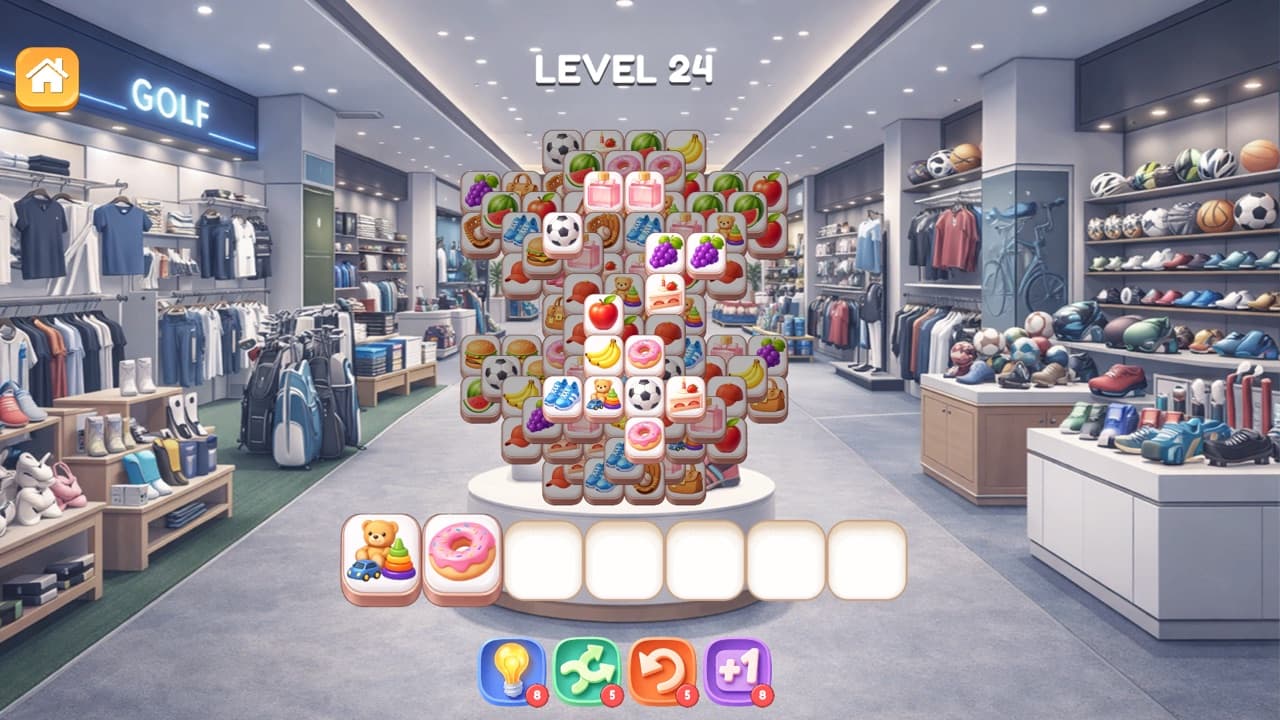
| Triple Sort | Unlocked levels, coins and power-ups | Lives come back one every 5 minutes, up to 5 |
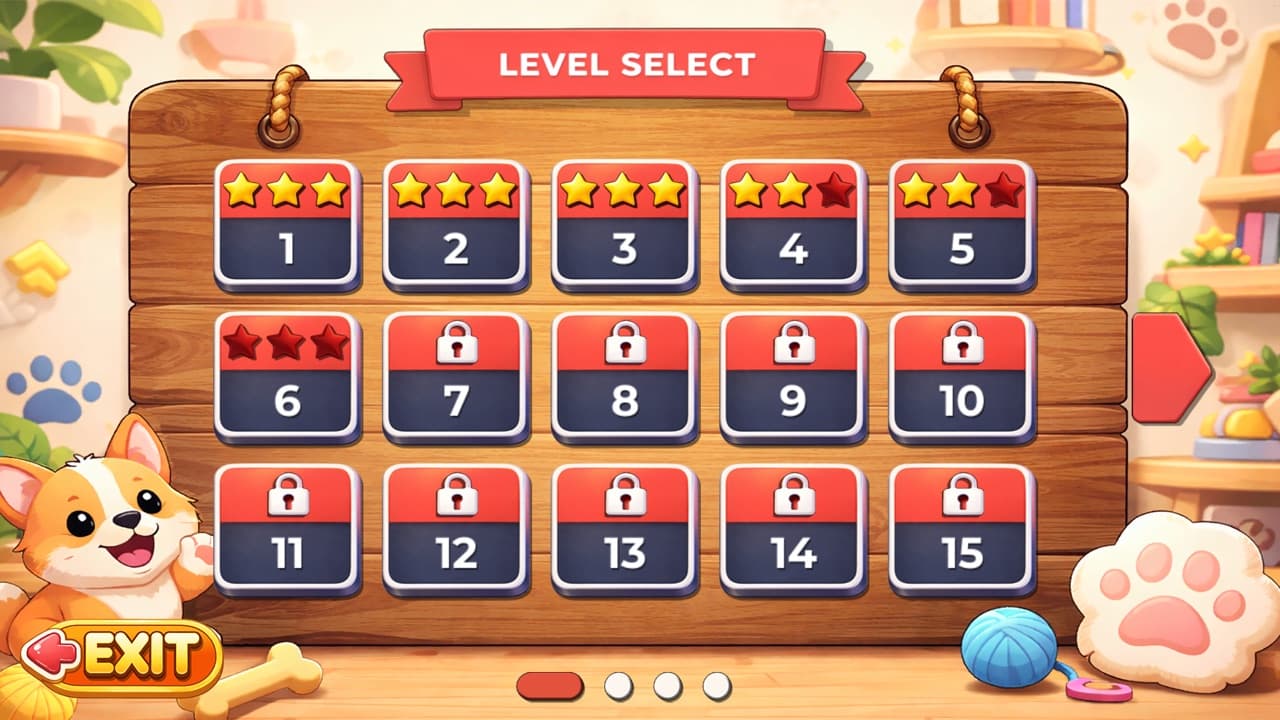
| Pet Puzzles and Memory Match | Unlocked levels and your best star result on each | A slower replay never replaces a better result |
| Find Ten Differences | Unlocked stages and your best stars on each | A failed attempt does not take stars away |
| Find Hidden Objects | The levels you have unlocked | Your completion times are shown at the end of a level but not kept |
| Fruit Mixer | Career stars, coins, candy and the decorations and blender upgrade you bought | Purchases are permanent |
Games played in single rounds, such as Police Shooting and Basketball, have little to save beyond your best score. For a signed-in player that best score is what goes on the leaderboard.
Which Should You Choose?
Stay a guest if you are trying a game out, or if you only ever play on one device and do not care about ranking. The games play the same either way.
Sign in if any of these apply: you play on both a phone and a computer, you are several chapters into a long game, you want a place on a leaderboard, or you share a device and clear its browser data from time to time. Signing in after you have already made progress is safe, as long as you do it on the browser that holds that progress.