Playing Havfun on a Phone: Which Way to Hold It, Game by Game
Published by the Havfun team, updated
Every mini game on Havfun runs in a phone's browser with nothing to install. They were not all built for the same shape of screen, though. Six are designed to be played upright, ten need the phone turned sideways and three work either way.
Here is how the game screen behaves on a phone, followed by the right grip and the touch controls for every game.
How the Game Screen Works on a Phone
On a phone or tablet, each game opens behind a Tap to play button. Tapping it switches to full screen and starts the game, and the line under the button tells you how to hold the phone for that game.
Where the browser allows it, the screen is also held in the right direction for you, so a sideways game stays sideways. Some browsers, Safari on iPhone among them, do not let a web page do that. There the game simply fills the screen and you turn the phone yourself.
To leave, tap the close button in the top-left corner. On a computer the game sits in the page with a Full screen button beneath it, and Esc brings you back.
Games You Play Upright
These six are laid out for a phone held in one hand, with the action in the middle of the screen and the controls near your thumb.
| Game | Touch controls |
|---|---|
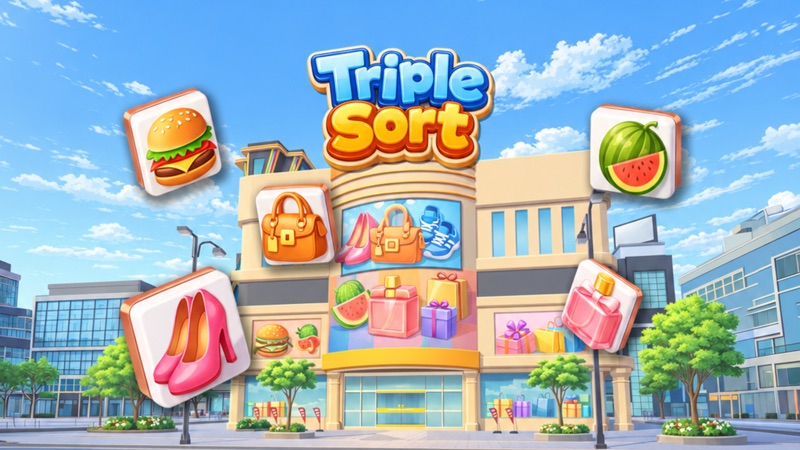
| Triple Sort | Tap an uncovered tile to send it to the tray |
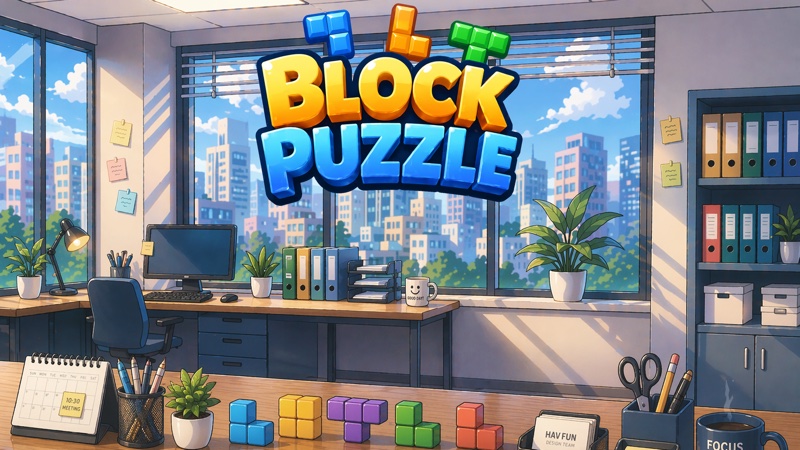
| Block Puzzle | Drag a piece from below the board and let go to place it. Pieces can't be rotated |
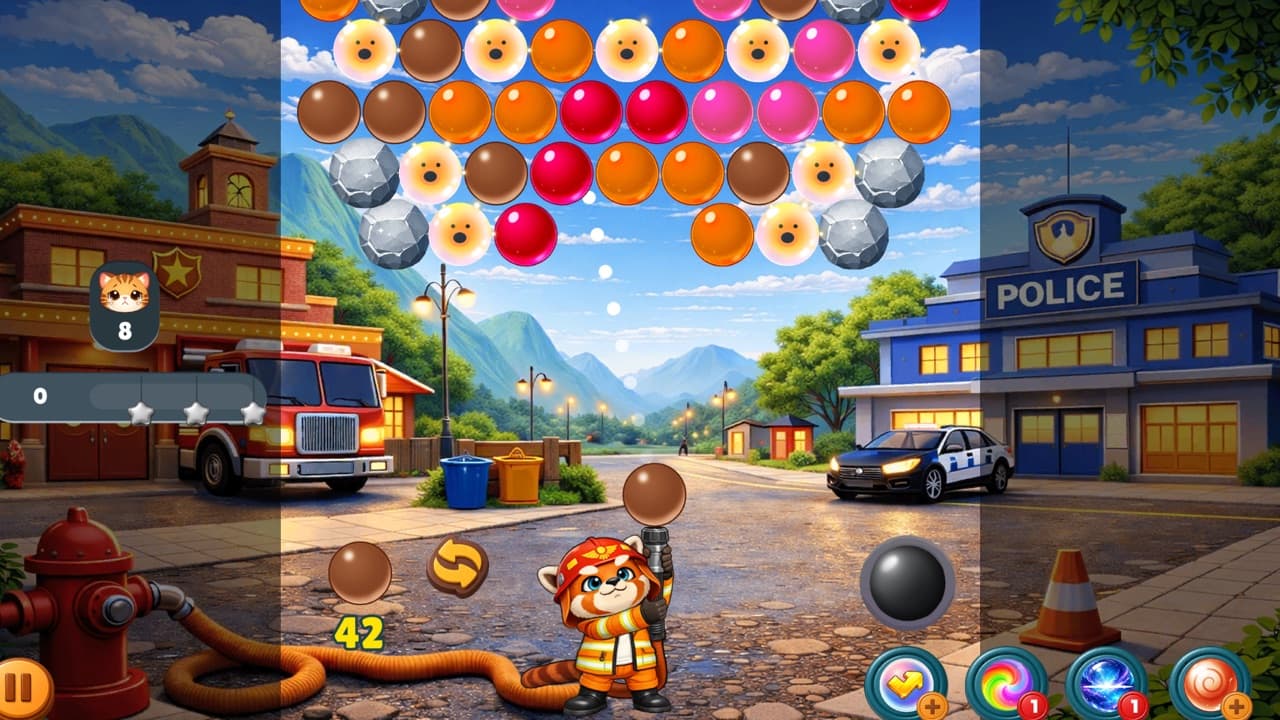
| Bubble Blast Rescue | Drag to aim and lift your finger to shoot. Tap the next bubble to swap |
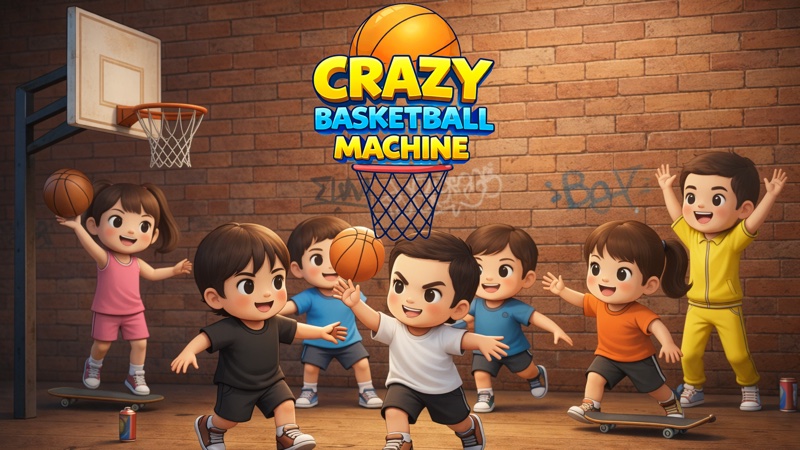
| Basketball | Put your finger on the ball and flick it toward the hoop |
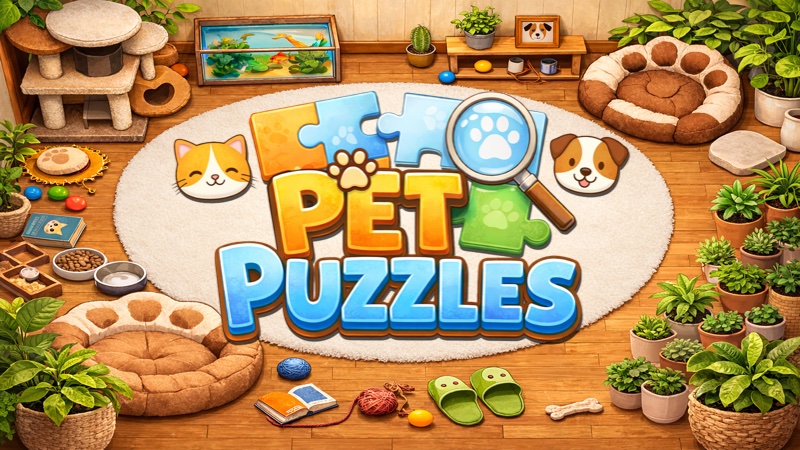
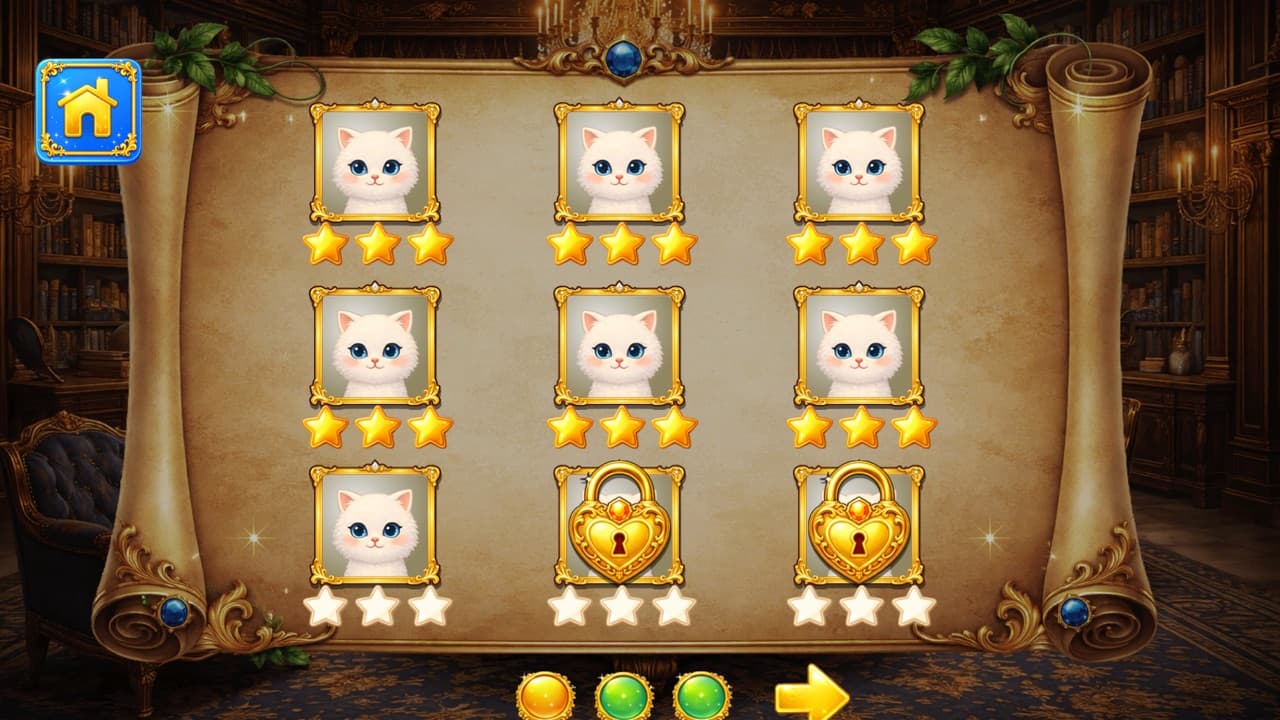
| Pet Puzzles | Tap or drag a tile next to the empty space |
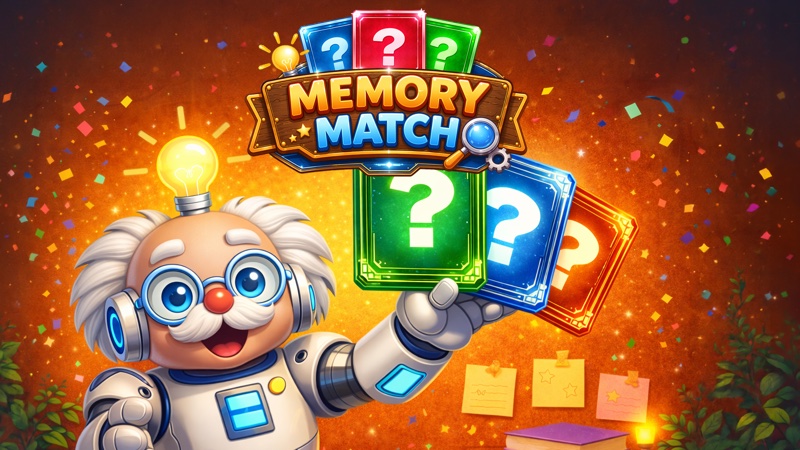
| Memory Match | Tap a card to turn it over |
Basketball is the one where your grip changes the result. The point where your finger leaves the screen aims the shot, and the time the flick takes sets its power. Hold the phone steady in one hand and flick with the other, so that every flick starts from the same place.
In Pet Puzzles, a tile you drag less than halfway snaps back to where it was. A tap always completes the move, which makes it the safer of the two on a small screen.
Games You Play Sideways
These ten use a wide picture and need the long side of the screen.
| Game | Touch controls |
|---|---|
| Little Knight: Homecoming | On-screen buttons. Tap Attack for combos and hold it to charge. The buttons can be moved from Menu, then Button layout |
| Find Ten Differences | Tap a spot on either painting |
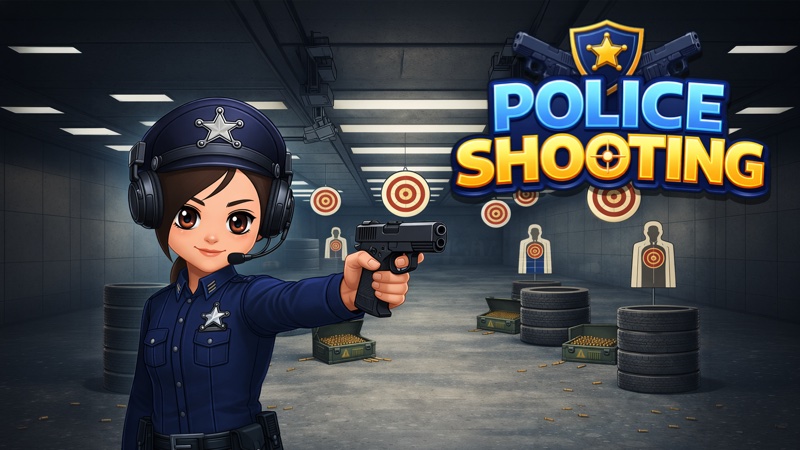
| Police Shooting | Touch the screen where you want to shoot |
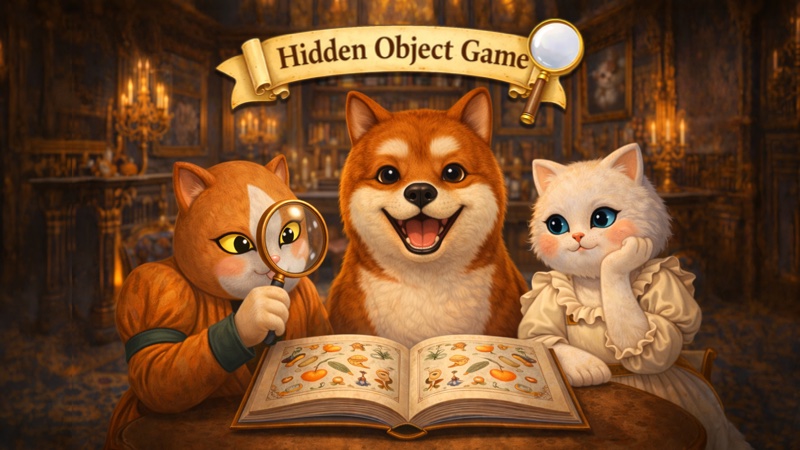
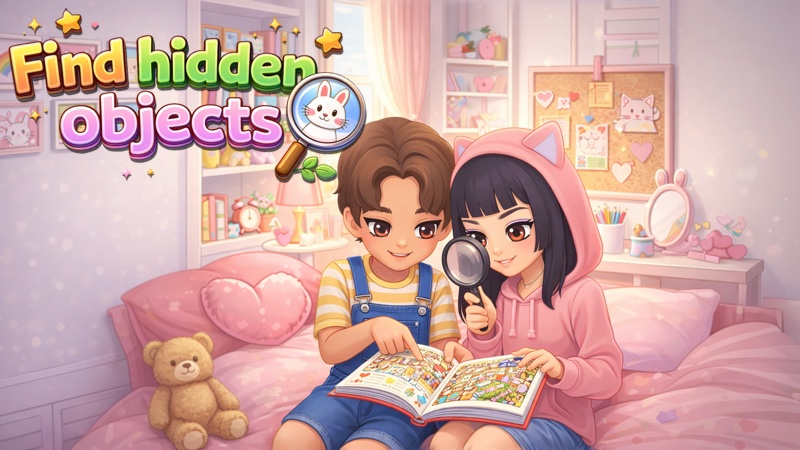
| Find Hidden Objects | Tap an object to collect it. Pinch with two fingers to zoom in, then drag with one to move around |
| Fruit Mixer | Drag ingredients into a blender and drag the finished cup to the customer |
| Sky Shooting | Move with the on-screen joystick and hold the fire button |
| Underwater Shooting | Move with the on-screen joystick and hold the fire button |
| Music Blast | Tap a line to hit a note, keep your finger down for long notes and swipe left or right for swipe notes |
| Pockets | Tap the table to aim and hold the arrow buttons to adjust. Set the power and spin, then tap Shoot |
| Survival Drive | Hold the Gas and Brake pedals on screen |
Find Ten Differences shows its two paintings at a fixed size and has no zoom, so screen size matters more here than anywhere else. If you have a tablet, this is the game to play on it. Remember that a wrong tap inside a painting costs 10 seconds, which makes a careless thumb expensive.
Find Hidden Objects is the opposite case. Pinch to zoom is part of the game, there is no timer and a wrong tap costs nothing, so it is comfortable even on a small phone. Its object list can be switched between a row along the bottom and a column at the side, whichever leaves you more of the scene.
Little Knight has the most buttons of any game here. If your thumbs cover the action or a button sits just out of reach, move it. Menu, then Button layout, lets you place each one where your hands actually rest.
In Police Shooting, your finger covers the target at the moment you fire. A shot that lands on the background costs a second and ends your streak, so tap with a fingertip and not the pad of a thumb.
The two shooters need both thumbs: one on the joystick and one holding the fire button, because the jet and the submarine do not fire by themselves. In Survival Drive the pedals also steer the car in the air. Gas tips the nose up and Brake tips it down, which is how you level out before landing.
Pockets is the calmest of the ten on a phone. There is no shot clock, so tap the table for a rough aim and use the arrow buttons for the last few degrees.
The Ones That Work Either Way
Three games adjust to the way you are holding the phone, so hold it whichever way is comfortable.
| Game | Touch controls |
|---|---|
| Snack Match | Tap a group of two or more matching snacks. To use a booster, pick it and then tap the snack where you want it |
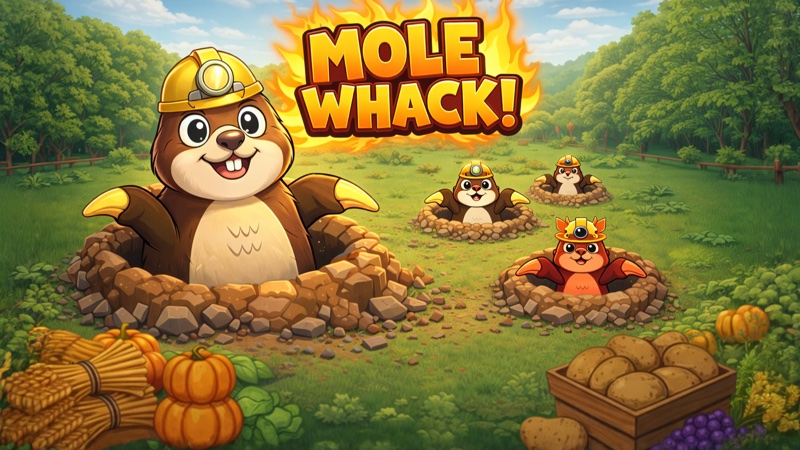
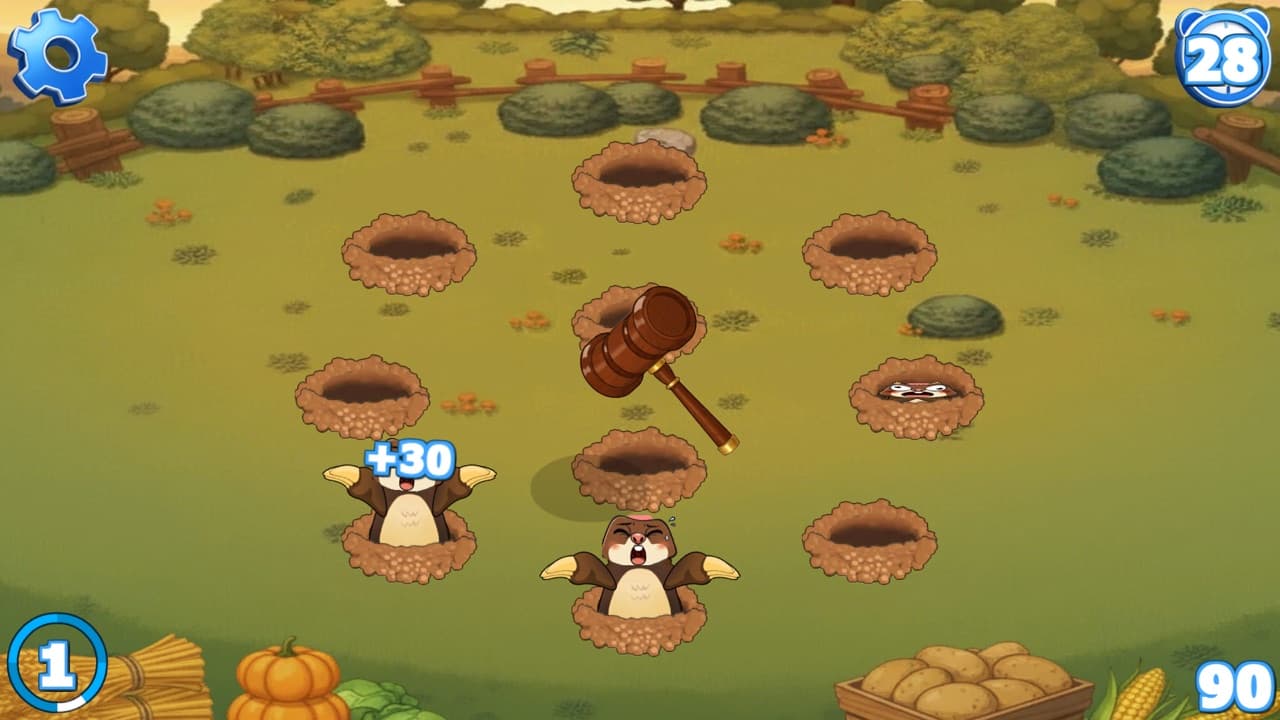
| Mole Whack | Touch a mole and lift your finger. The hammer comes down when you let go, not when you touch |
| Monkey Beat | Tap the green, red or blue drum as each note arrives |
Mole Whack's timing catches people out. Because the strike happens on release, a quick tap works and a long press arrives late. A new wave of moles comes up every 3 seconds and each mole hides again after 2.
Before You Start a Long Session
- Timed games do not wait for you. Find Ten Differences and Basketball have no pause button, and Police Shooting rounds run straight through. Start them when you will not be interrupted.
- Triple Sort, Bubble Blast Rescue and Snack Match use lives, and leaving a level halfway costs one. A life returns every 5 minutes.
- Progress made on your phone stays on your phone unless you sign in. If you also play on a computer, sign in on both and the same save follows you.